
Internship Spotlight: Coltrane & LEGO Education SPIKE Prime!
Hello! My name is Coltrane and I’m an instructor here at WMSI. In the past I’ve worked with several STEM tools such as Scratch, EV3, and Micro:bit, and I’ve made lesson plans and other materials for them. The one I’ve worked with the most is Scratch, which is a website that makes it easier for kids to code through a system of connecting blocks together instead of having to type out lines of code. In the case of Scratch, I’ve created a number of “1 Page Guides” which explain how Scratch works and are tutorials of sorts, walking people through how to create small games and programs in Scratch and teaching them how to create their own programs in the process. I even combined a bunch of them into a Scratch handbook that went over almost everything Scratch-related.
Over the past couple months I’ve been working with a new piece of hardware called LEGO Education SPIKE Prime. SPIKE Prime is the next generation of EV3, and works pretty similarly to an EV3 but with a new coat of paint and a very different coding interface, along with a handful of new features and improvements. When I first started working with SPIKE Prime it wasn’t too hard for me to start coding with the program, as it uses practically the same interface as Scratch, but the motors and sensors that the SPIKE Prime uses weren’t so easy to effectively utilize.
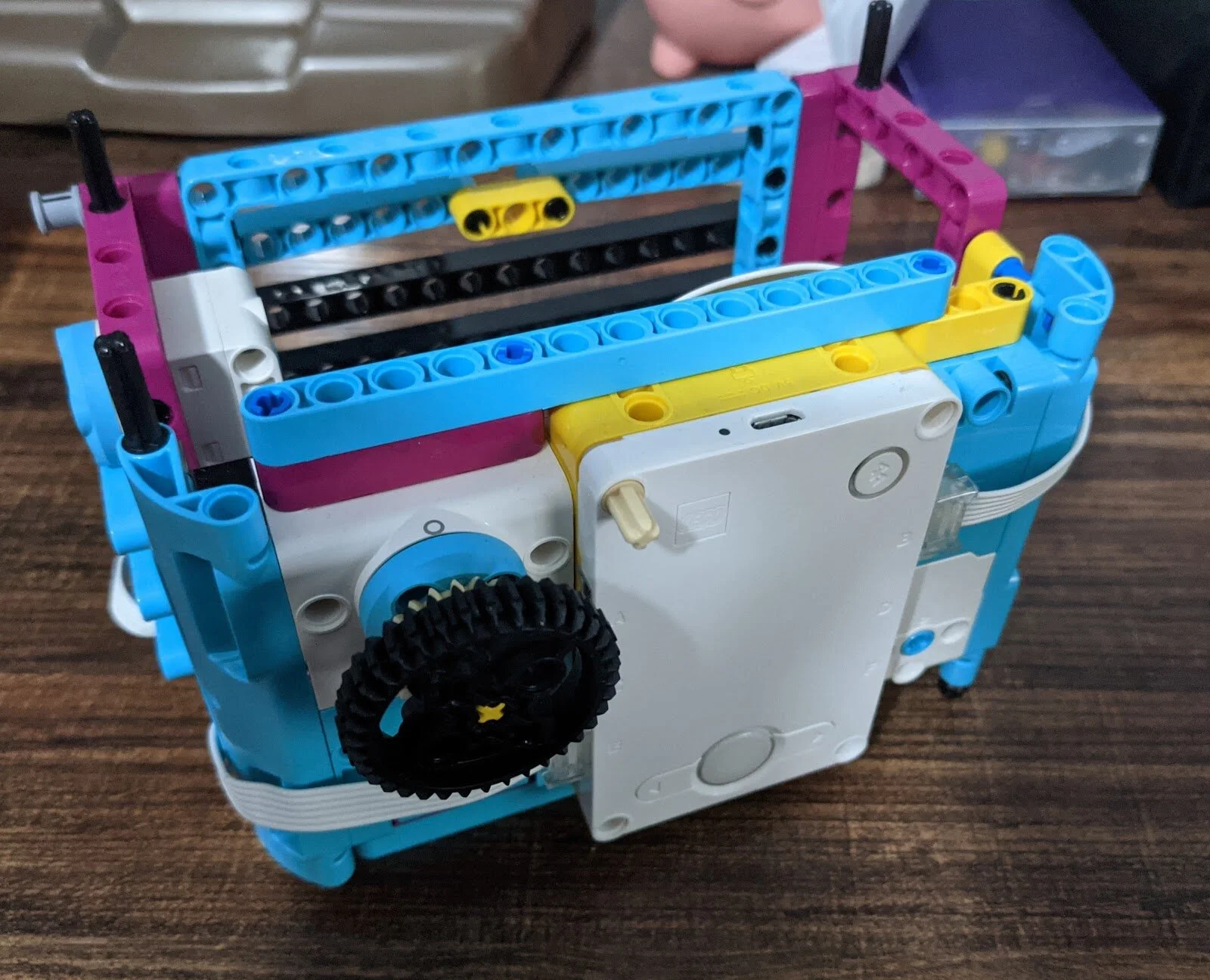
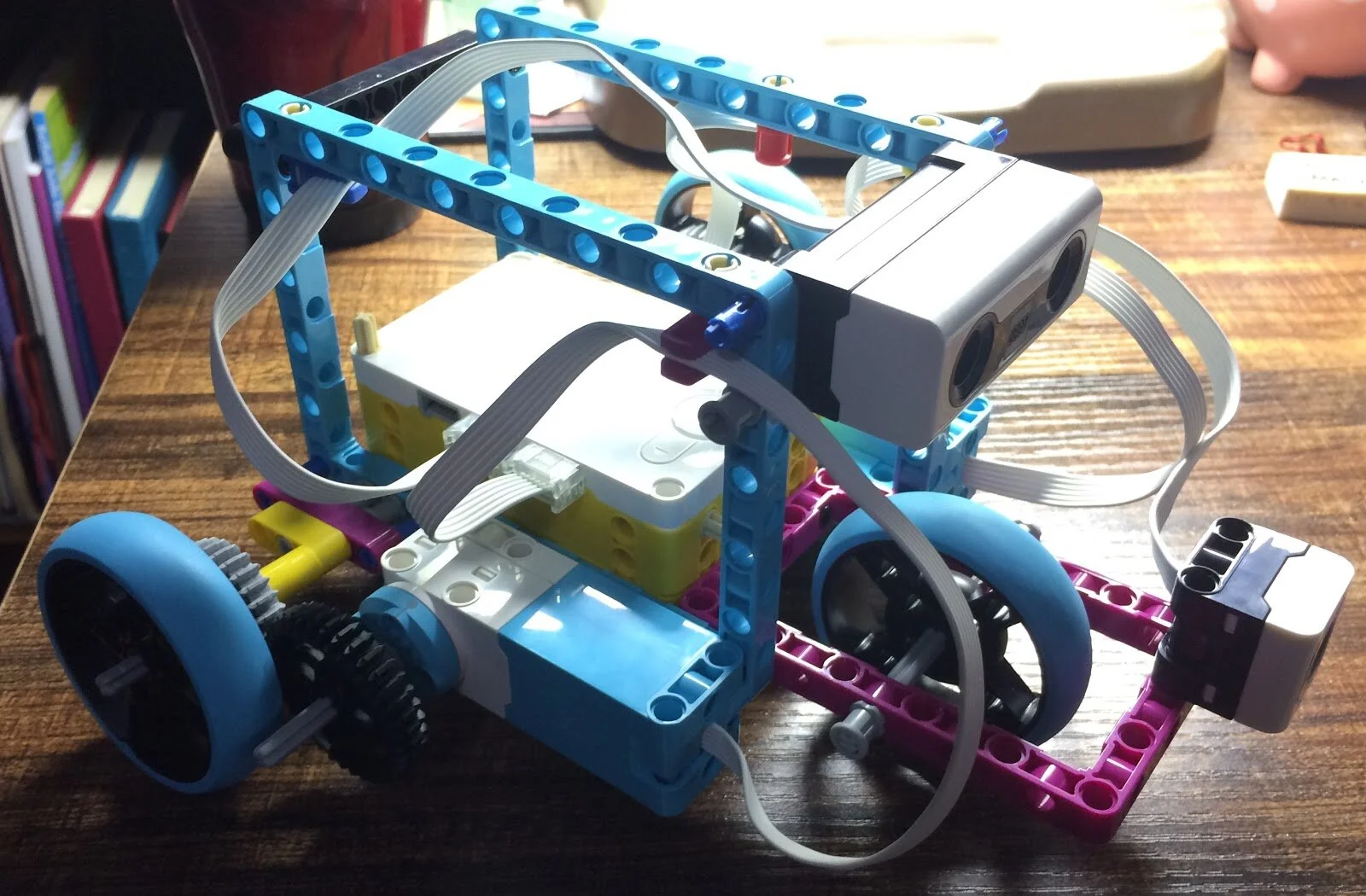
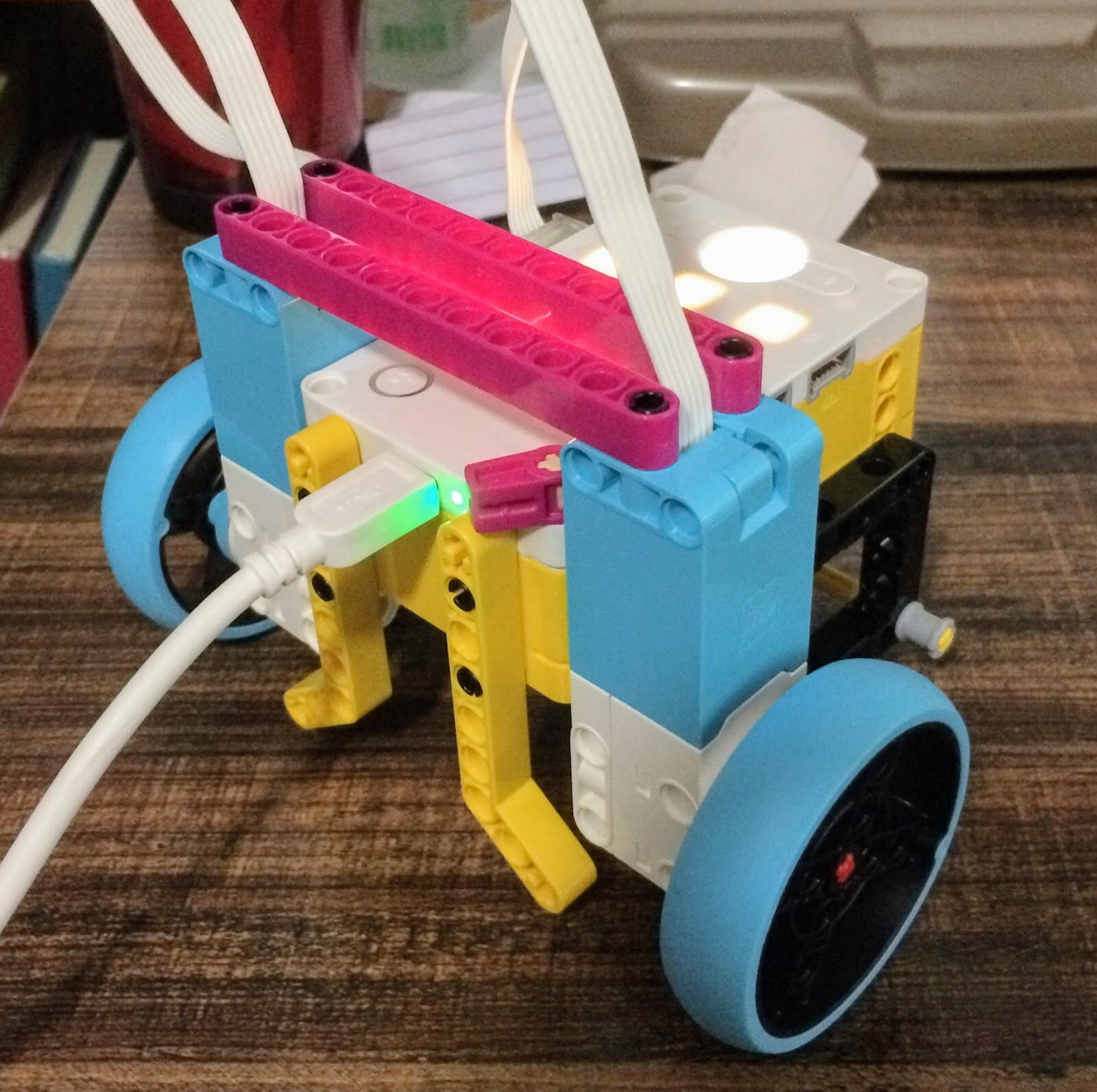
I did a lot of experimenting with the different sensors and unique code blocks that SPIKE Prime had to offer, and I made some of the previously mentioned 1 page guides explaining things as I experimented with them and learned how to use them effectively. I built a bunch of different SPIKE bots and cars, and tried to use each one to further my understanding of a certain topic in SPIKE. For instance, one of the builds that I made was a car with two motorized wheels and a third motor to move a distance sensor and a color sensor up and down. I made some programs that used the color and distance sensor for different purposes, like making the robot do different things when it sensed different colors (pictured below).
While I’ve learned a lot about SPIKE Prime so far, I still plan to continue using it and continue learning about all the different ways that the hardware and software can be used to make fun and educational programs and robots. I might even use what I’ve learned to create a handbook similar to the one I created for Scratch as an introductory tool to help more people get invested in SPIKE Prime in the same way I did.
WMSI Interns continue to creatively solve problems remotely this school year.